Your phone, within reach.
Find my phone, flashlight, battery, music, vibrate and Do Not Disturb.
Your watch already has the buttons.
Turn the dial pad on your Bluetooth watch into controls for your Android phone. Pick an action, give it a code, and dial it from your wrist.
Android 10+ · Bluetooth calling required
No watch app to install.
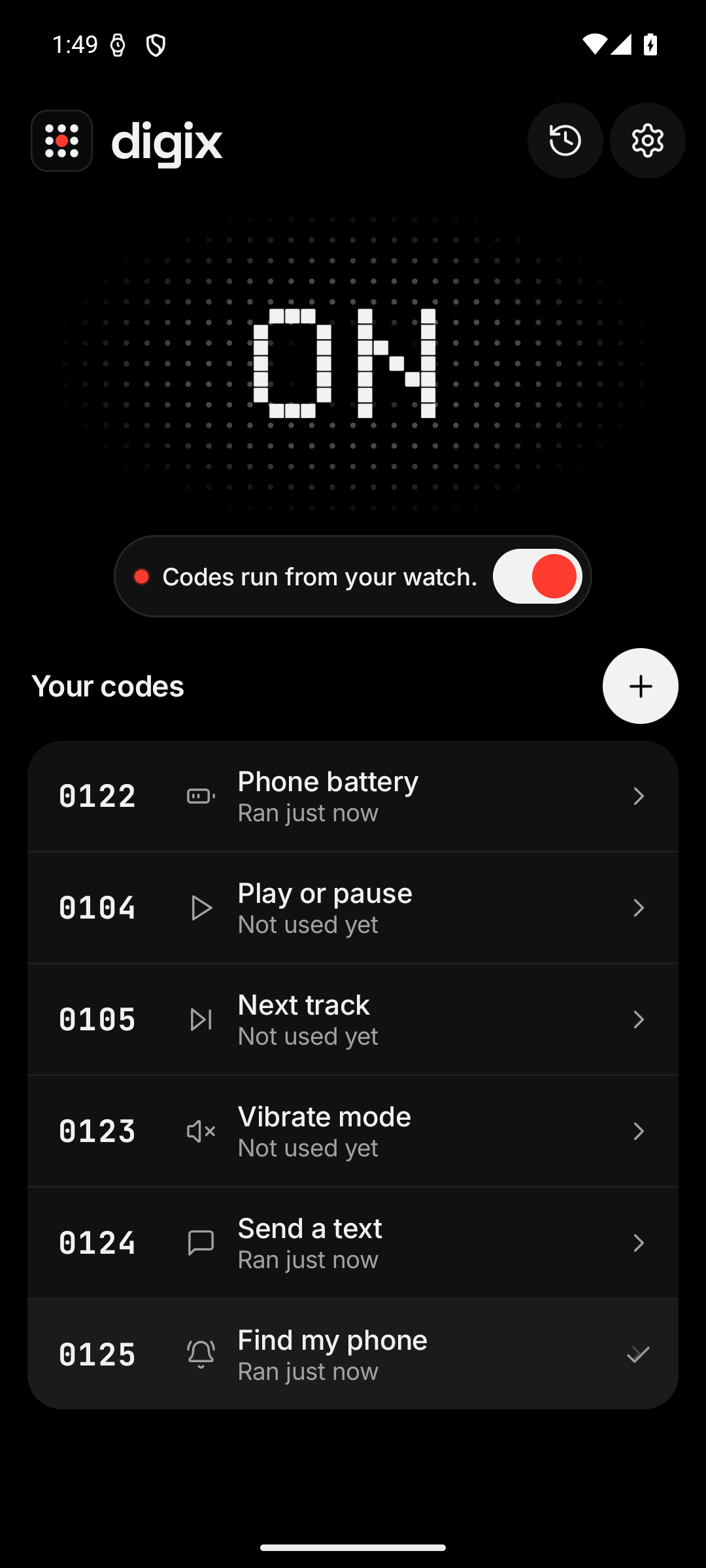
Choose a shortcut, dial its four digits, then hit the call button. This browser demo won’t make a call or control your devices.
Your codes
You choose your own codes in the app.
Dial 0122 to check the phone’s battery.
Waiting for a code
Use 0122 for phone battery, 0104 for play or pause, or 0125 for Find my phone. Press Enter to run the demo.
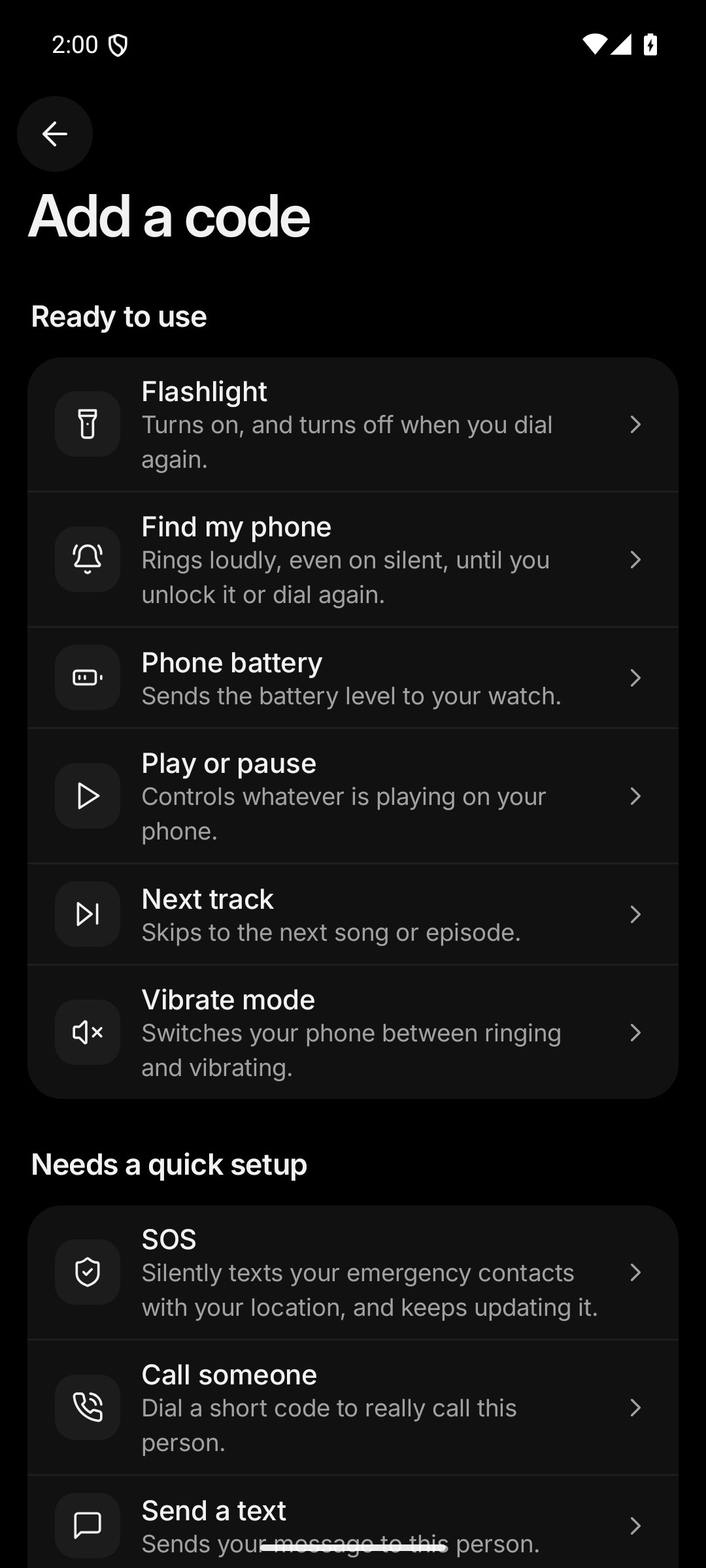
Find the phone under the sofa. Skip the song. Turn on the torch. Your watch already has a way to ask.
Find my phone, flashlight, battery, music, vibrate and Do Not Disturb.
Prepared texts, calls and location sharing to people you choose. SMS and location access required.
Send an HTTP POST to an endpoint you configure. Use it with your existing automations.
Talk to a provider you choose. Bring your own Gemini, Groq or compatible API key.
Install from Google Play, then complete onboarding and allow call redirection.
Pick an action, choose its digits, and allow the permissions that action needs.
Keep Bluetooth calling connected. Use the watch’s existing dial pad.
Questions about setup, permissions or your watch? Ask in the Telegram group.
Read the full guideIt needs to place calls through your Android phone over Bluetooth. Physical testing currently covers OnePlus Watch 3. Try your own combination before relying on it.
Numbers that don’t match a saved code pass through as usual. A saved “Call someone” action places a real call to your chosen person.
Your codes, settings and history stay on the device. Voice audio and context go to your chosen AI provider. Messages and location go to your selected recipients.
It depends on the action and Android version. WhatsApp needs an unlocked phone and the Accessibility helper. Wi-Fi, hotspot and locking can need extra setup. DigiX explains what’s needed.
Yes. The full DigiX build is available on Google Play. Use any download button on this page to open the official listing.